Connect Screen Time
Give Apple's permission so WealthLock can protect your selected apps and websites.
A little distance from the next bet
Put betting apps and prediction markets out of reach. Track the money you choose not to bet, and take the next decision one at a time.
iPhone · iOS 17+ · Explore and use Pause for free
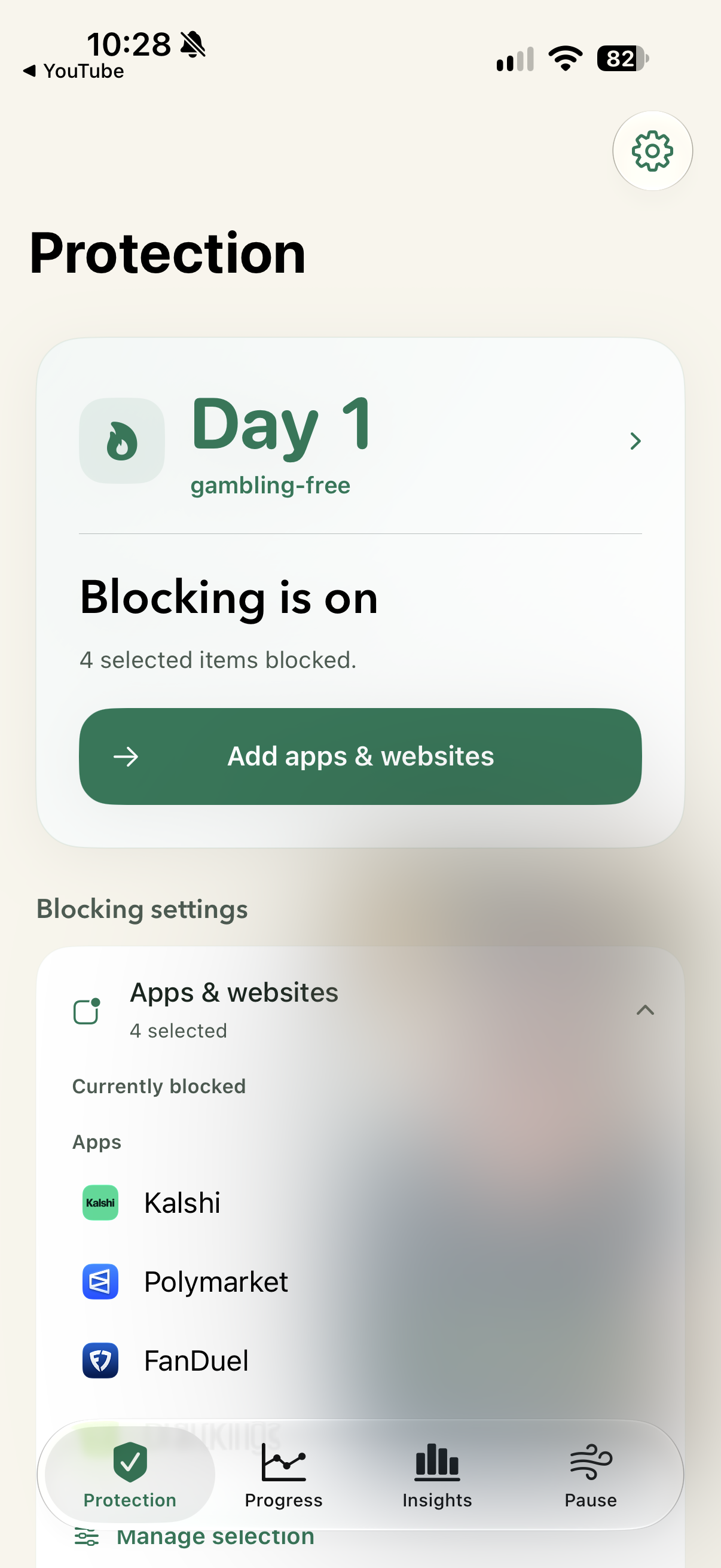
Protection comes first
Explore first and skip any setup step. Screen Time permission is free; enabling protection and saving blocked items require Full Protection. Pause exercises are free.
Give Apple's permission so WealthLock can protect your selected apps and websites.
Select apps and categories, or add the sportsbook domains you use. A Full Protection plan activates blocking.
Optionally enable the deletion restriction. Add a Protection lock when you're ready for a longer commitment.
When an urge shows up
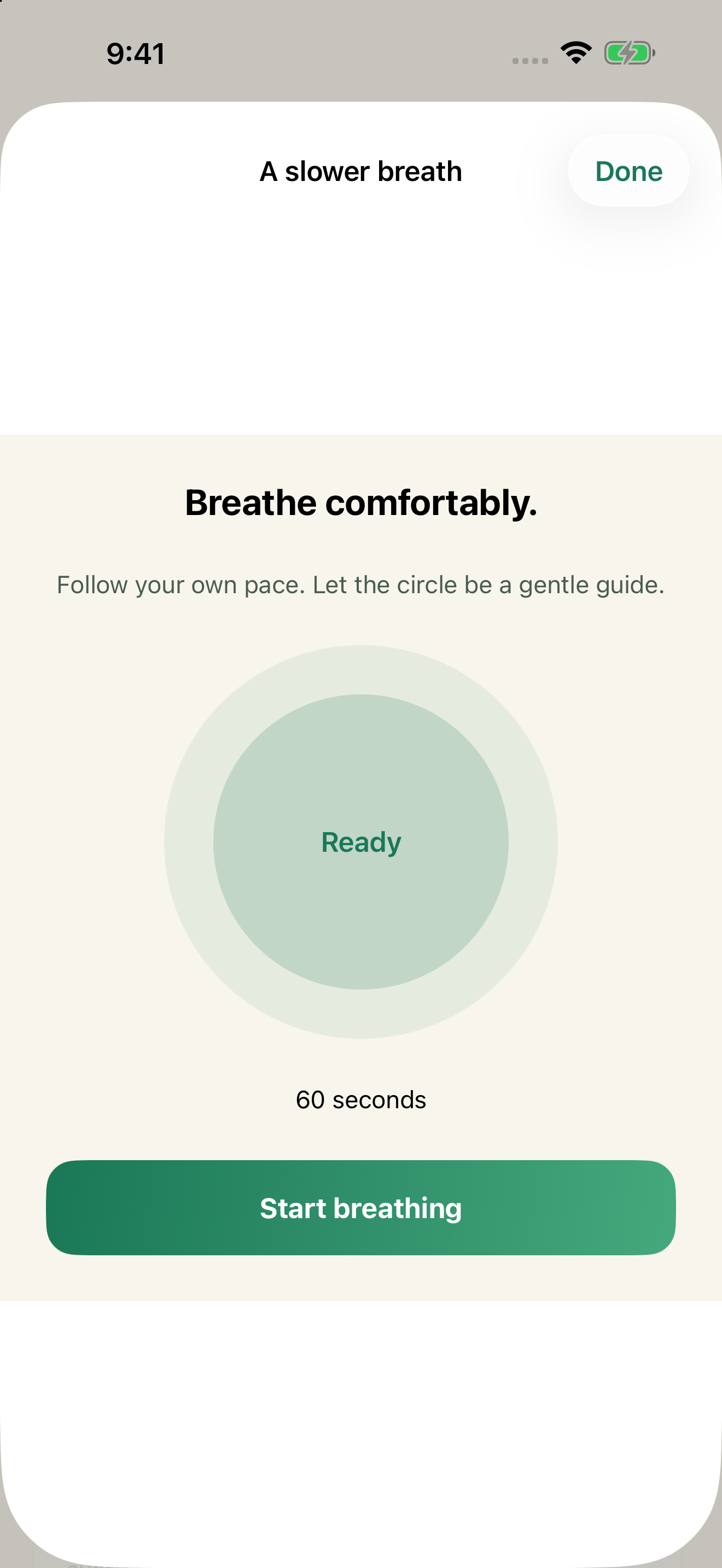
Pause exercises help shift your attention, offline and without a subscription. Progress tracking is included with Full Protection.
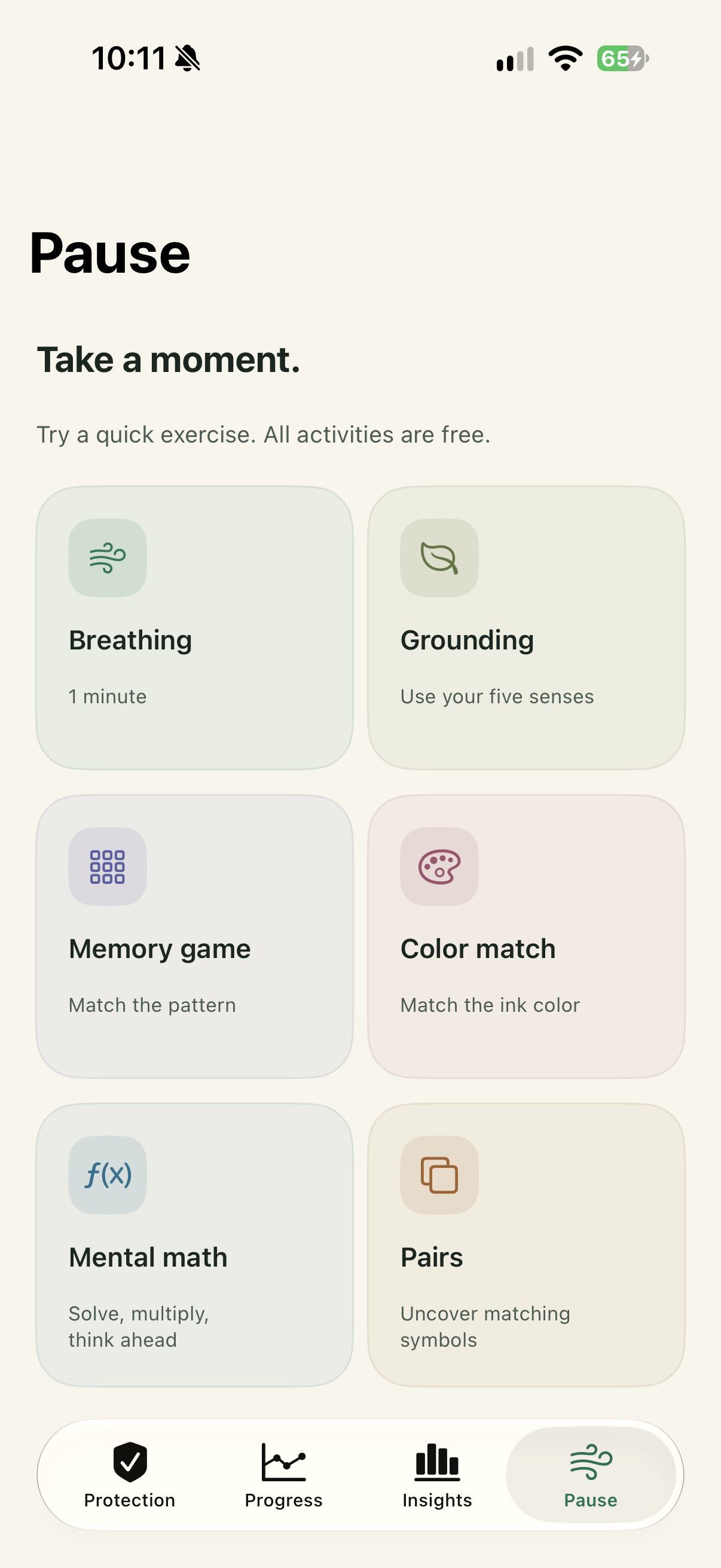
Make your choice stick
Put the betting apps and websites you choose out of reach, including the browser routes you use to return.
Commit to a duration while your plan is active. All blocking stops if paid access expires.
With Full Protection, an optional toggle applies Apple's restriction to deletion of all apps on this iPhone. You can release it here without paying. Revoking Screen Time access can remove it.
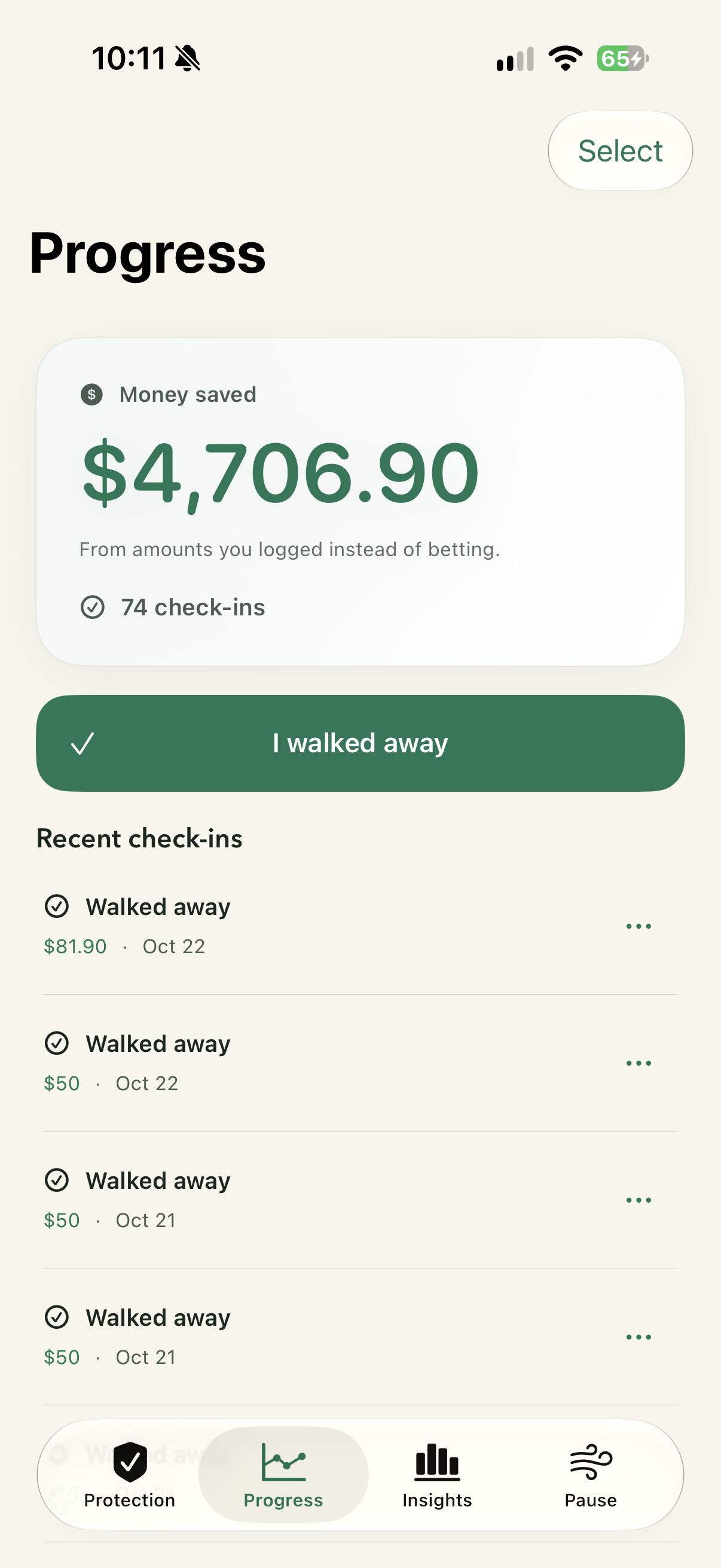
Log the impulses you resist and the amounts you chose not to bet. Track your gambling-free streak from a start date you choose.
Same protection. Your choice of plan.
Annual · Recommended
$16.99 per year · U.S. price
Billed upfront. Renews annually until canceled.
Monthly · $2.99 per month
Billed upfront. Renews monthly until canceled.
Prefer to pay once? Lifetime · $39.99
One-time purchase. No recurring payment.
Every plan includes selected app and website blocking, deletion protection, Protection lock, Protection PIN, check-ins, Progress, Insights, and accountability tools.
Get WealthLock ↗Prices shown are U.S. prices. No free trial on these plans. Apple confirms your local price before purchase. Manage subscriptions in your Apple account. Existing lifetime purchases remain valid.
Pause exercises are free. Blocking, protection settings and tracking require Full Protection. Restoring purchases, PIN recovery and releasing deletion protection remain free. Active Protection locks and configured PIN approval still apply to protected changes.
Practical guides
A first-day plan for the next urge, your essential money, and finding support.
Practical guides to blocking Kalshi and blocking Polymarket.
What CNBC, Politico, and household research tell us about the pressure to get ahead.